FLIR Macro Mode T199609 for 24° lens Upgrade
Supports FLIR T530 / T540 / T560 & EST models; T840 / T865 models; E76 / E86 / E86-EST / E96 models; A400 / A500 / A700 & EST models (with a standard 24˚ lens)
NEW!
Macro Mode for your FLIR thermal camera with 24° lens!
Spend just $249.99 and get Macro Mode 71/103 μm for your FLIR thermal camera with a standard 24˚ lens (T5xx, T8xx, Exx, A400/A500/A700) on the same day! FLIR officially charges $1,499 for adding this feature.
Worldwide
We do the upgrade remotely,
you don’t need to send camera to us.
100% Successfully
We do all the steps by ourselves,
you don’t need to have any special knowledge.
100% Safely
We always make a backup copy of the original files.
What is FLIR Macro Mode?
The FLIR T199609 Macro Mode is a factory-calibrated software upgrade for cameras equipped with a 24° lens, allowing high-resolution imaging of tiny components from 60mm away (71/103 μm).
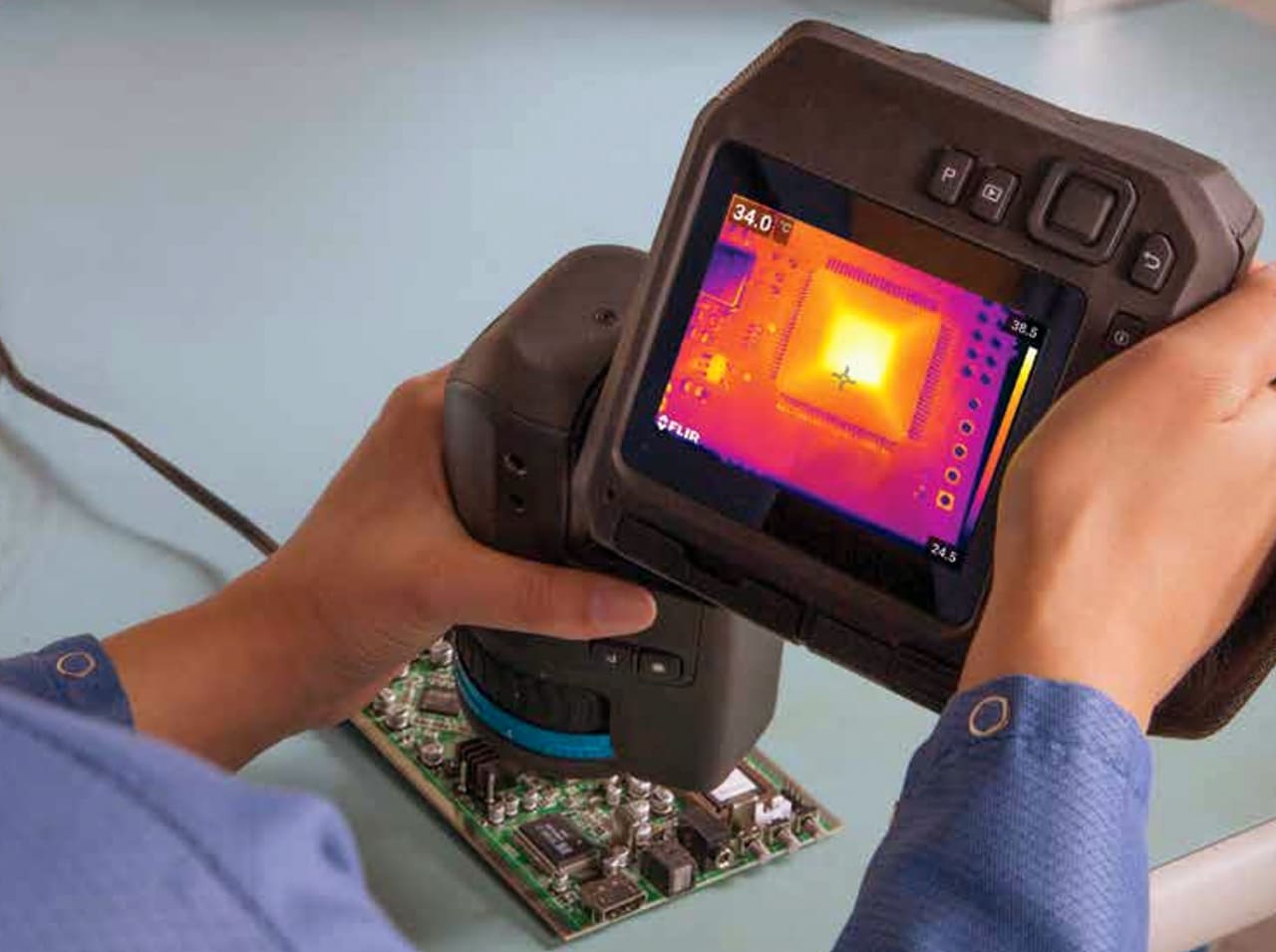
MACRO MODE
Turns the camera into a “thermal microscope” for small, close objects. Reduces the minimum working distance to about ~60 mm, allows measurement to about 71 µm per pixel.
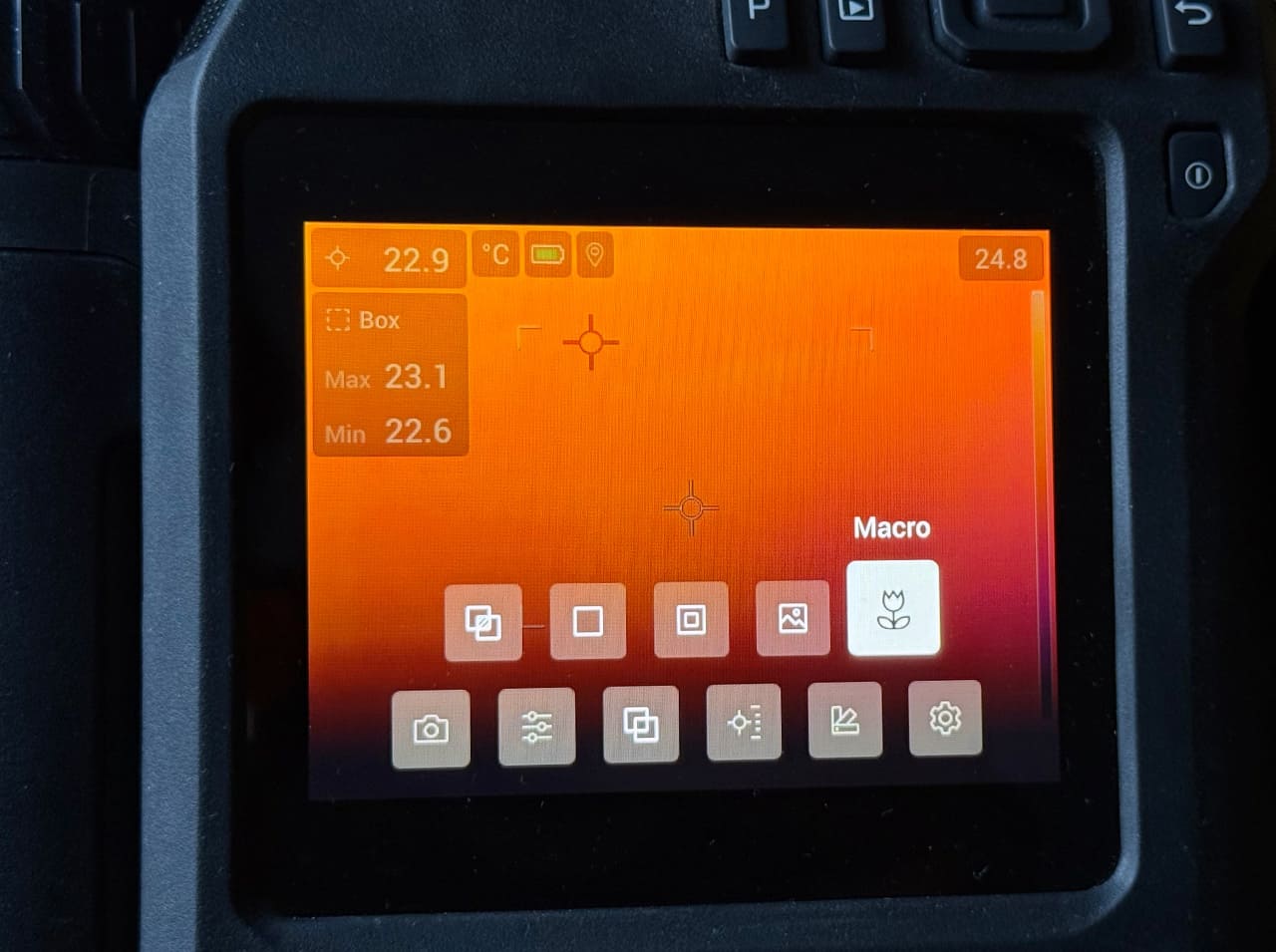
MACRO MODE
When to use: PCB / electronics inspection, Semiconductor / micro-components, Mechanical precision parts, Electrical connectors & terminals, Material testing / lab work.
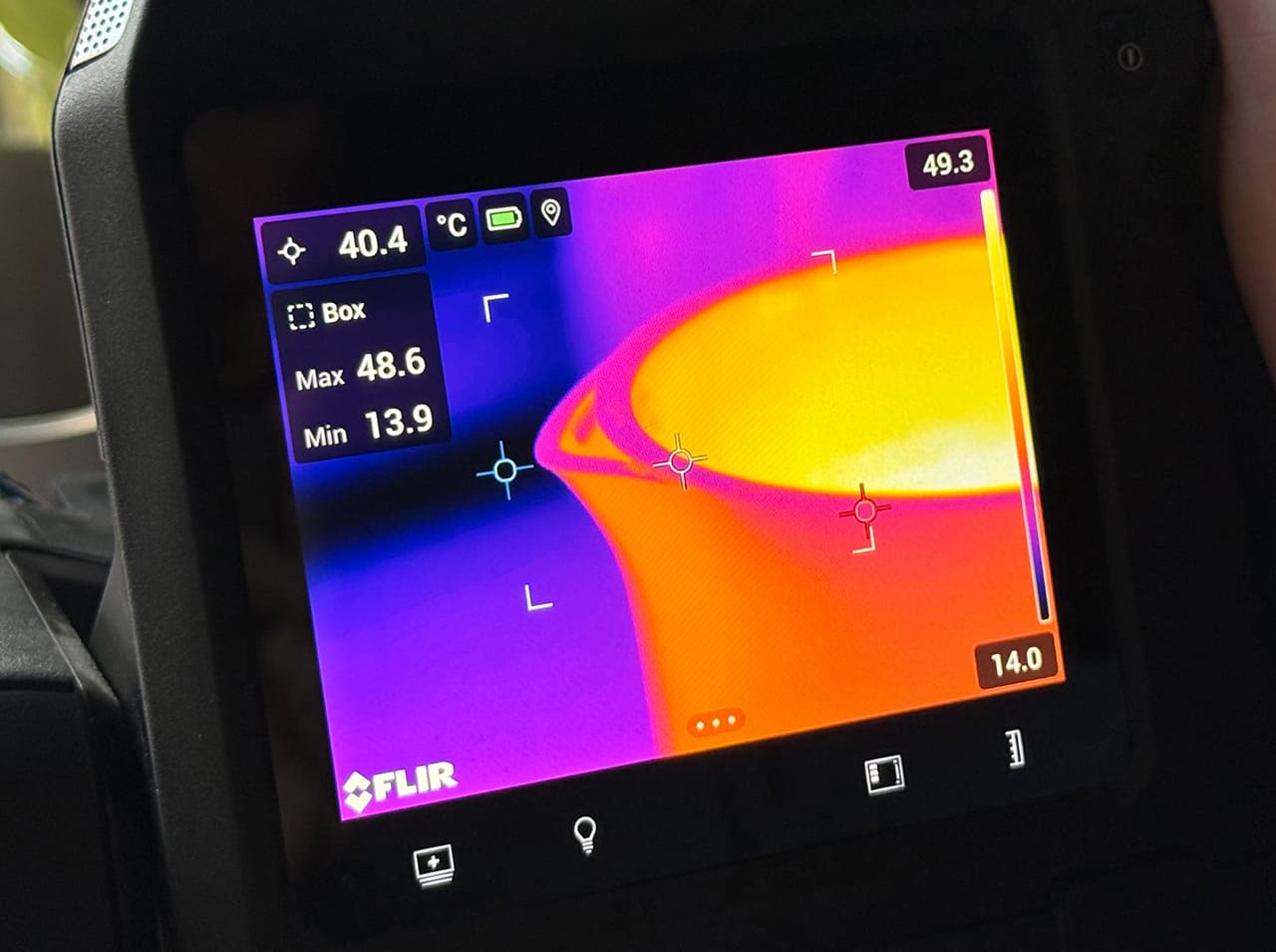
MACRO MODE
Macro mode is an add-on function for the 24° lens that changes how the camera focuses and measures temperature: enables close focusing, increases spatial resolution (detail), optimized for small targets.
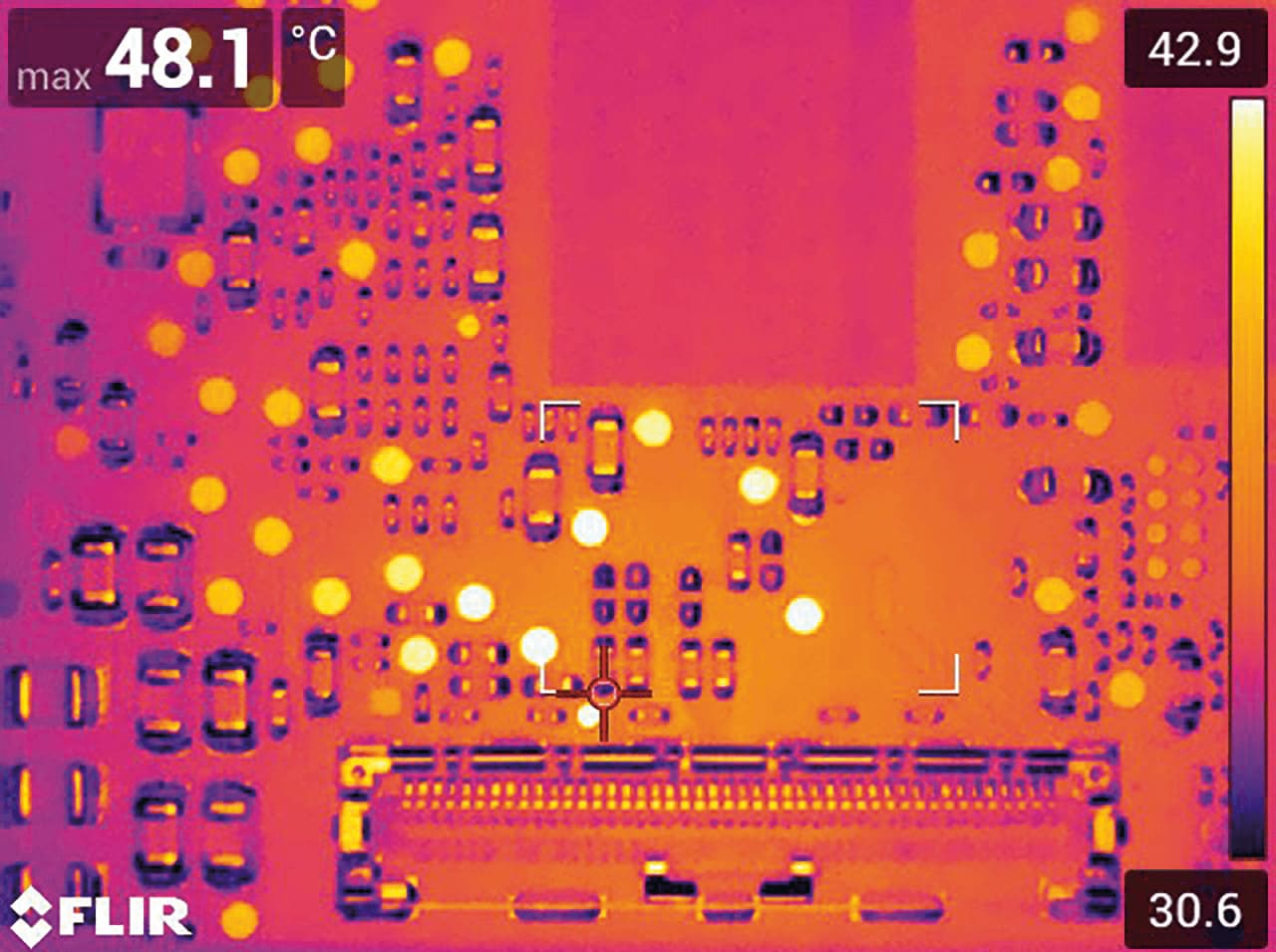
MACRO MODE
When to use: PCB / electronics inspection, Semiconductor / micro-components, Mechanical precision parts, Electrical connectors & terminals, Material testing / lab work.
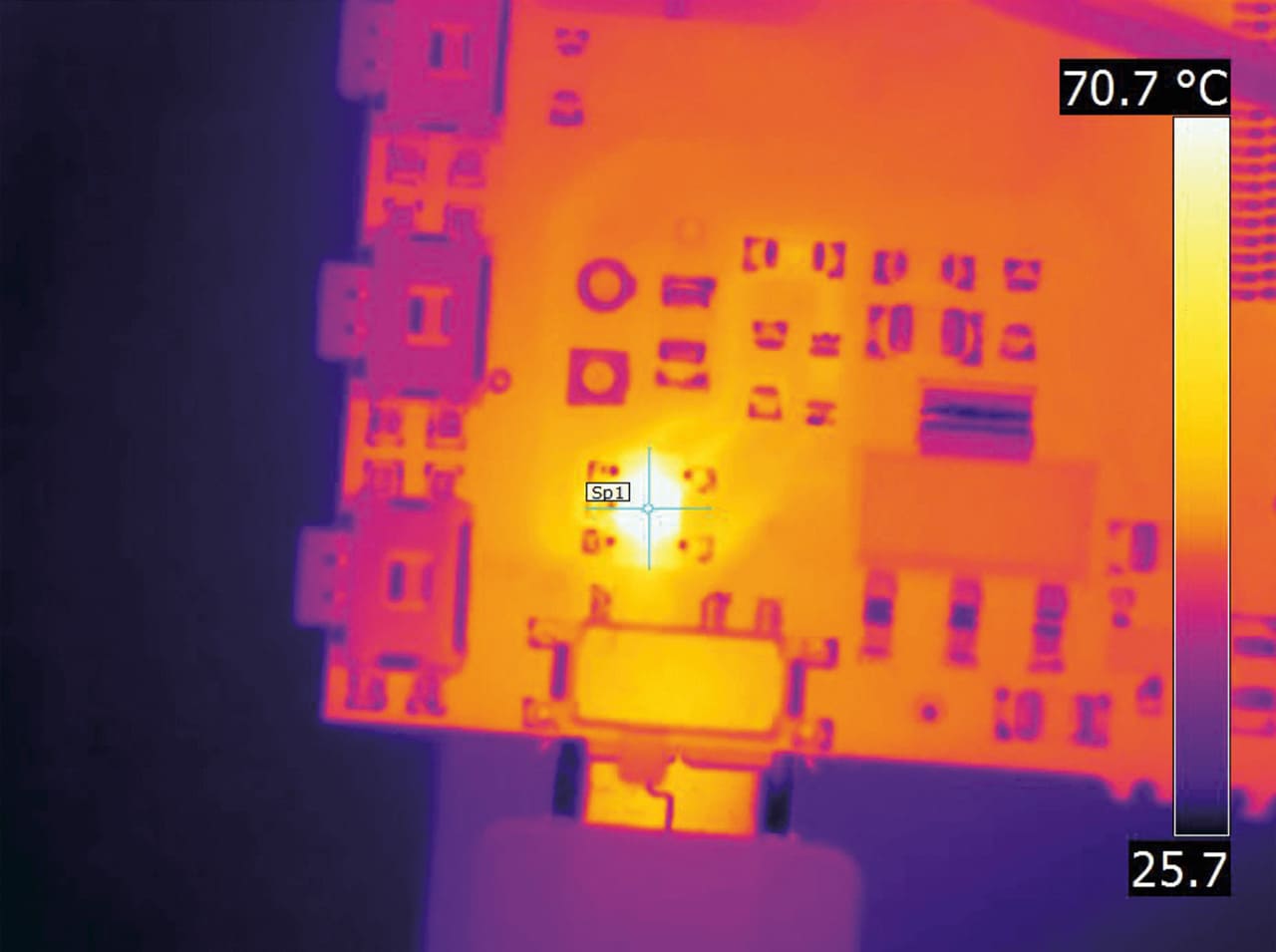
MACRO MODE
When to use: PCB / electronics inspection, Semiconductor / micro-components, Mechanical precision parts, Electrical connectors & terminals, Material testing / lab work.
Supported FLIR thermal imaging cameras:
FLIR T-Series
FLIR T530
FLIR T540 / T540-EST
FLIR T560 / T560-EST
FLIR T840
FLIR T865
FLIR Exx-Series
FLIR E76
FLIR E86 / E86-EST
FLIR E96
FLIR A-Series
FLIR A400
FLIR A500 / A500-EST
FLIR A700 / A700-EST
Our price: $249.99
FLIR official price: $1,499
Watch a video about FLIR Macro Mode
Macro Mode on FLIR T540-EST upgraded to T540
Become a PRO with minimal investment
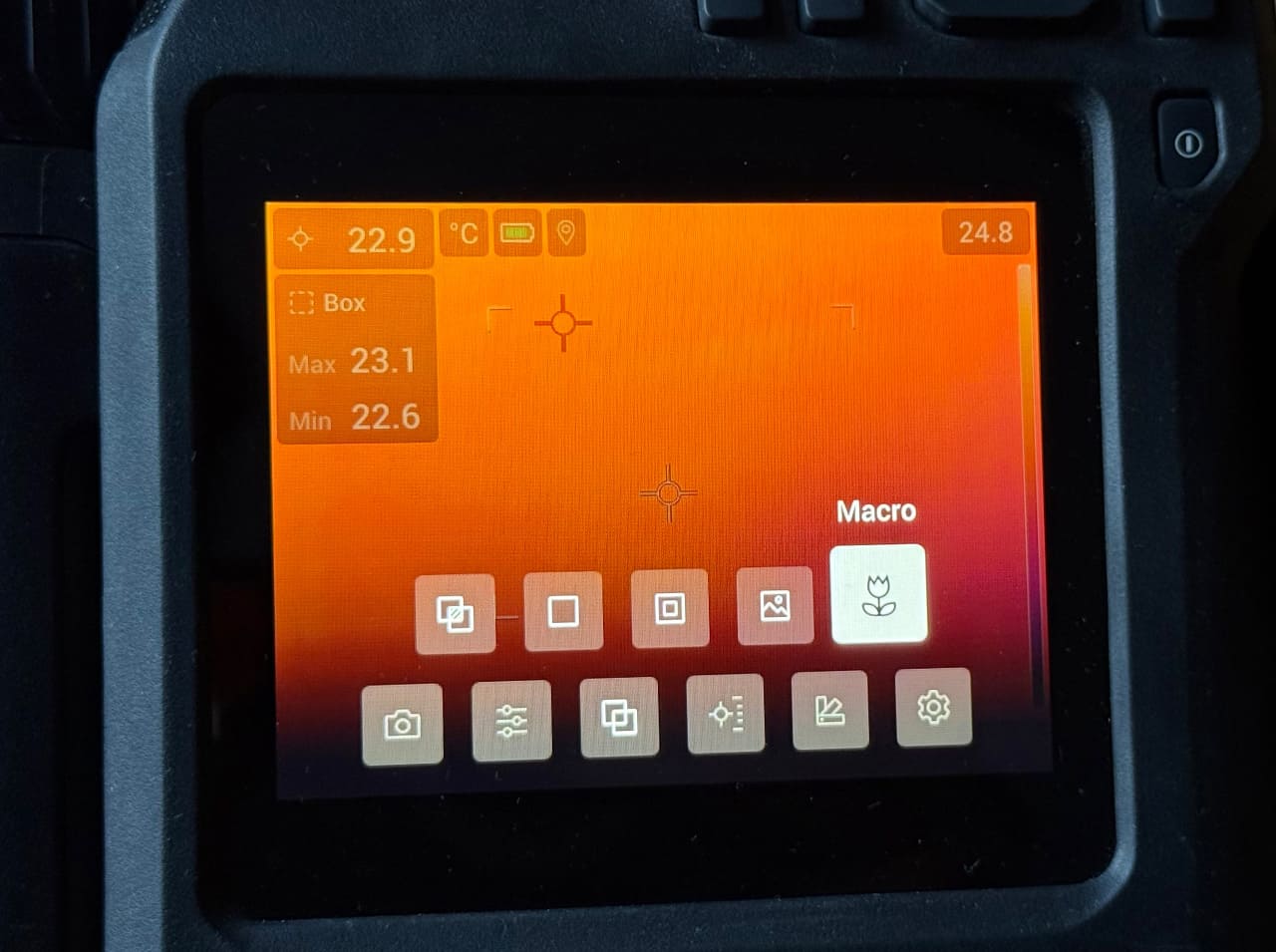
We’ll do all the steps by ourselves,
so don’t worry about the success!
Upgrade is doing remotely, so you don’t need to send your camera to us. Improve your FLIR T5xx, T8xx, Exx, A400, A500, A700 infrared camera with a standard 24˚ lens just in an hour!
Buy the upgrade service for just $249.99 and get Macro Mode 71/103 μm for your FLIR thermal camera on the same day!
Why do you need to upgrade your FLIR and add Macro Mode?
The FLIR Macro Mode (Part No. T199609) is a paid, factory-calibrated software upgrade for FLIR T5xx (T530 / T540-EST / T540 and other), T8xx, Exx, A400 / A500 / A700 cameras equipped with a 24° lens, allowing high-resolution imaging of tiny components from 60mm away.
What FLIR Macro Mode actually does:
Macro mode is an add-on function for the 24° lens that changes how the camera focuses and measures temperature:
• Enables close focusing
Reduces the minimum working distance to about ~60 mm (6 cm)
• Greatly increases spatial resolution (detail)
Allows measurement of tiny features down to about 71 µm per pixel
• Optimized for small targets
Lets you clearly resolve and measure temperature on things like:
– PCBs and electronic components
– small mechanical parts
– lab samples / R&D materials
In simple terms: it turns the camera into a “thermal microscope” for small, close objects.
When to use macro mode:
1. PCB / electronics inspection
Example: diagnosing a faulty circuit board
You can see tiny hot components (resistors, IC pins) and identify:
- short circuits
- overheating chips
- uneven current distribution
– Without macro mode: everything blends together.
– With macro mode: individual components are clearly visible.
2. Semiconductor / micro-components
Example: testing a sensor or microchip
• Detect microscopic hot spots
Useful in:
– R&D labs
– failure analysis
3. Mechanical precision parts
Example: small bearings or gears
• Spot:
– localized friction
– early wear
– lubrication issues
4. Electrical connectors & terminals
Example: small terminal block or connector pin
• Find tiny overheating contact points
• Especially useful for:
– dense wiring
– control panels
5. Material testing / lab work
Example: heating a small sample
• Observe:
– heat distribution
– thermal conductivity
– reaction points
Macro mode is a special imaging mode designed for very close-up thermal inspection of small objects.
Сomparison between FLIR Macro Mode and Normal Mode
Table of Contents
How FLIR Macro Mode differs from normal mode
• Normal mode: designed for larger scenes (buildings, equipment, panels) at distance
• FLIR Macro Mode: optimized for tiny targets at very short distance, with much finer detail
Also note:
• Only the thermal image is available (no MSX overlay or visible-light fusion)
• Focus is automatically set for close range when enabled
Why it’s useful
Without FLIR Macro Mode, small objects may:
• appear blurry or too small in the image
• give inaccurate temperature readings (because the pixel “spot size” is too large)
Macro mode fixes this by shrinking the measurement spot size, so each pixel represents a much smaller area.